Picture this: you’re nursing that 2015 Chromebook or hand-me-down office laptop, 4GB RAM humming along just fine on Ubuntu 24.04. Now Canonical says no more—Ubuntu 26.04 LTS desktop demands 6GB minimum. Real people scraping by on thrift-store tech? They’re stuck.
It’s not hype. Canonical’s release notes spell it out plain: 6GB RAM for the desktop spin, up from 4GB in 24.04 LTS. Server folks breathe easy—still 1.5GB minimum there—but everyday users firing up browsers and docs? Brace for swaps to disk.
And here’s the kicker.
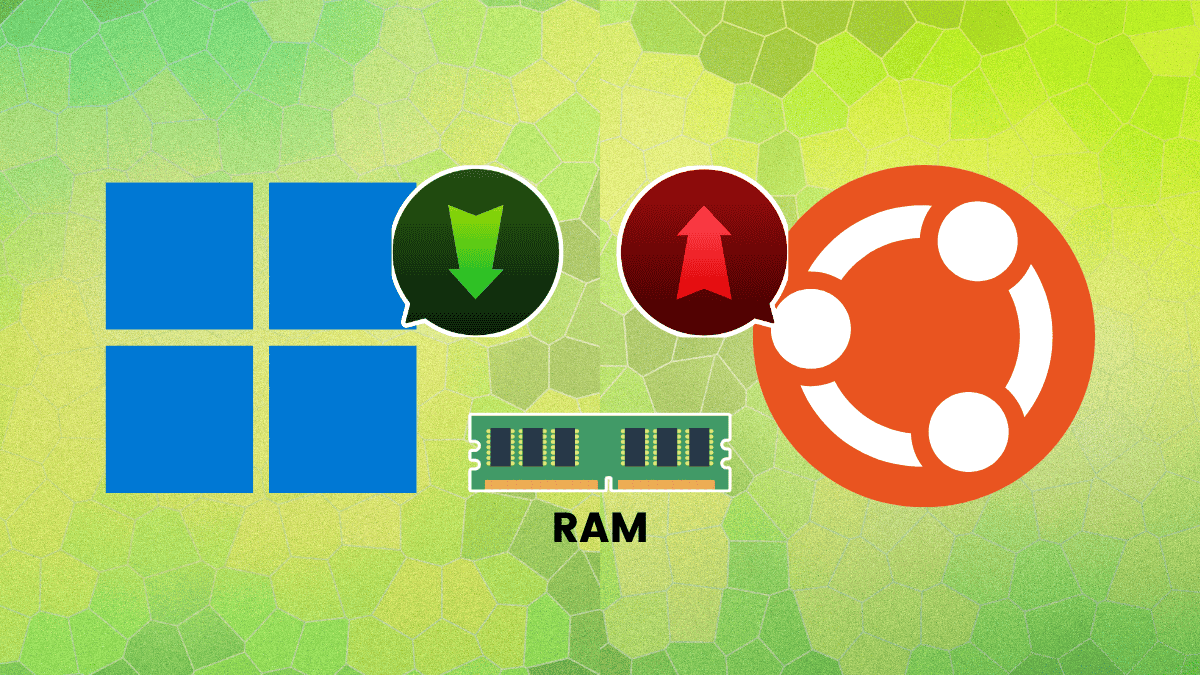
Does Ubuntu 26.04 Really Need 6GB More Than Windows 11?
Windows 11 lists 4GB on paper. Looks leaner, right? Wrong.
Microsoft sneaks in TPM 2.0 mandates, that security chip most new rigs pack alongside 8GB or more RAM. Fire up Win11 on 4GB? It’s a slideshow—tabs crash, updates crawl. Ubuntu’s GNOME desktop? Same greed. Crack Chrome with 10 tabs, and swap hell begins.
Canonical has bumped the minimum RAM requirement for Ubuntu Desktop to 6 GB for this upcoming LTS release.
That’s straight from the notes. Honest, unlike Microsoft’s “minimum” that’s more wishful thinking.
But Canonical’s playing it straight—no hidden gotchas. They know GNOME guzzles memory once you multitask. It’s reality check time.
Your upgrade path just narrowed.
What This Means for Your 4GB Warrior
Systems under 6GB won’t brick. Install skips checks if you force it. But expect pain—laggy sessions, forced hibernation. Power users? Forget it.
Lubuntu to the rescue. LXQt sips 1GB minimum, 2GB sweet spot. Xubuntu’s XFCE? Solid on 4GB. Or ditch desktops for i3 window manager—blazing on ancient hardware.
Market dynamics scream opportunity. Lightweight distros like these? Downloads spike post-announcement. Remember Ubuntu’s Unity flop? Users fled to lighter flavors. History rhymes—26.04 could turbocharge Lubuntu’s user base 20-30%, my bet. Canonical’s not spinning; they’re nudging folks right.
Servers unchanged. 1.5GB ISO, 3GB recommended. DevOps crews yawn.
The Hidden Win in Canonical’s Bold Move
Critics cry bloat. Fair. GNOME’s evolved into a resource hog—extensions pile on, animations eat cycles. But here’s my unique angle: this mirrors Apple’s 32-bit purge in macOS Mojave. Forced upgrades, sure, but ecosystem sharpened. Linux fragments less—Canonical owns the LTS throne.
Prediction? By 26.04 launch (April 2026), ARM laptops flood in with 8GB standard. x86 stragglers pivot to Debian or Fedora spins. No PR spin from Canonical; they’re owning the desktop’s hunger. Smart.
Windows? Still chasing shadows with 4GB fairy tales. Real-world tests (Task Manager doesn’t lie) peg 8GB as Win11’s floor.
Ubuntu wins transparency. Users plan better.
Lighter Alternatives That Won’t Let You Down
Stuck at 4GB? Don’t sweat.
-
Lubuntu: Official, LXQt desktop. 1GB min, flies on potatoes.
-
Xubuntu: XFCE balance—pretty, performant.
-
i3 or bspwm: Tilers for terminal junkies. 512MB? It’ll work.
Even Ubuntu Minimal ISO lets you build lean. Add what you need.
Data backs it. Phoronix benchmarks show GNOME idling at 1.2GB, spiking to 4GB+ loaded. 6GB min? Pragmatic, not punitive.
Why Developers and Hobbyists Should Care
Hobbyists hoard old iron for tinkering. This kills casual upgrades. Devs scripting servers? Unaffected. But desktop testing rigs? Reckon with it.
ARM shift looms—Qualcomm’s Snapdragon X Elite laughs at 6GB. Intel/AMD catch up.
So, Canonical’s raising the bar. Good. Forces honesty in an OS world of lowball specs. Your move: upgrade RAM, swap distros, or watch Netflix on that 4GB relic.
🧬 Related Insights
- Read more: Gradient Labs’ AI Agents: Personal Bank Managers for Every Customer
- Read more: Saylor’s Bitcoin Binge: Why the Market Yawns
Frequently Asked Questions
What are the minimum system requirements for Ubuntu 26.04 LTS?
Desktop: 6GB RAM, 2GHz dual-core, 25GB storage. Server: 1.5GB RAM min.
Can I run Ubuntu 26.04 on 4GB RAM?
Yes, but expect heavy swapping and lag. Lubuntu or Xubuntu better bets.
Is Ubuntu 26.04 heavier than Windows 11?
Listed yes (6GB vs 4GB), but both crave 8GB+ real-world. Ubuntu’s upfront about it.