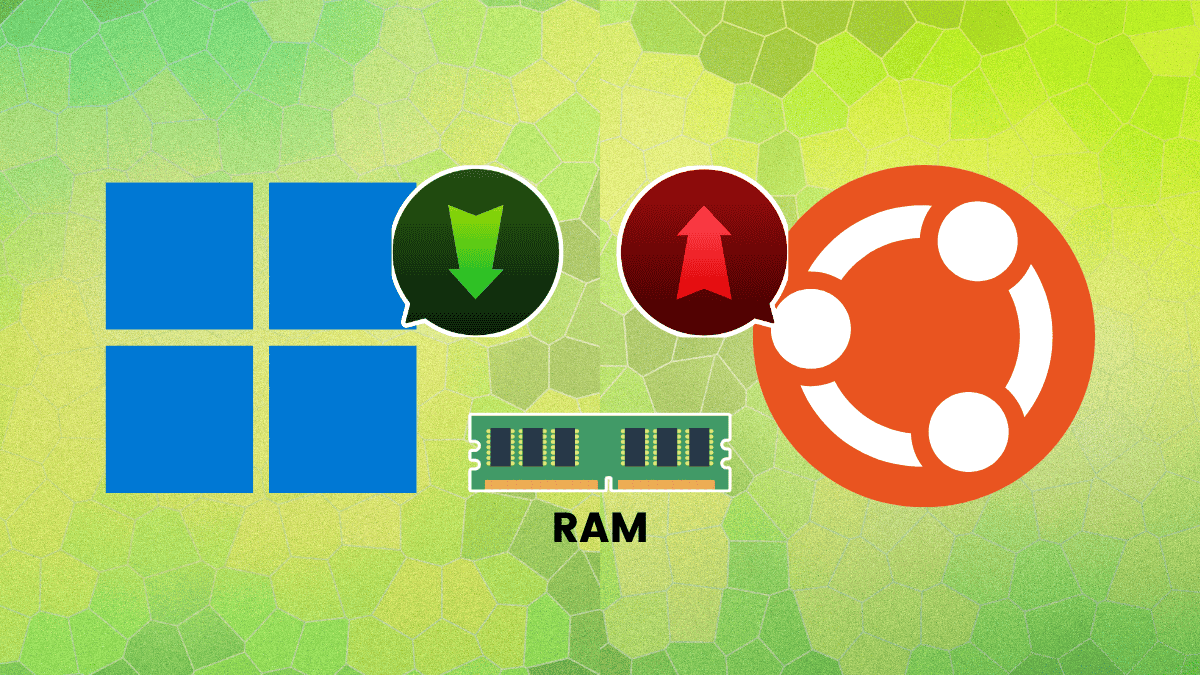
Your ancient ThinkPad wheezes, Ubuntu installer spinning like a tired hamster wheel. Six gigs of RAM? That’s the new ticket for smooth sailing on 26.04 LTS.
Zoom out. Ubuntu’s not starving for more memory out of greed—it’s catching up to us. We’ve piled on tabs, extensions, and electron apps like digital hoarder-kings. And Canonical’s finally saying, ‘Enough with the fantasy specs.’
Why the Sudden 6GB RAM Jump for Ubuntu 26.04?
Here’s the thing: it’s not sudden. Back in 2012, Precise Pangolin begged for 512MB on 64-bit. Laughable now. Fast-forward—er, no fast-forwards allowed—but you get it. GNOME’s ballooned, Firefox chews gigabytes on modern sites, and who runs one app anymore?
“Ubuntu Desktop 26.04 LTS requires a 2 GHz dual-core processor or better, a minimum of 6GB RAM and 25 GB of free hard drive space.”
That’s straight from the specs. CPU and disk? Same as Bionic Beaver in 2018. But RAM? Up from 4GB. It’s an honesty bump, developers swear—not because the OS got fatter, but because our workflows did.
Think of it like your smartphone. Remember 512MB iPhones? Now try web browsing without 6GB—stutters everywhere. Linux desktops mirror that. We’re not installing bare metal anymore; we’re multitasking maniacs.
My unique spin? This echoes the PC revolution of the ’90s. Windows 95 needed 4MB minimum—folks laughed, ran it on 8MB anyway. By XP, 128MB was table stakes. Ubuntu’s playing catch-up, signaling Linux’s pivot from tinkerer’s toy to everyday powerhouse. Bold prediction: by 30.04, expect 8GB as the floor, as AI tools like local LLMs demand it.
But—hold up—Canonical’s whisper-quiet on this. No fanfare press release. Sneaky? Or just pragmatic? Smells like dodging the ‘Linux is for old hardware’ myth they secretly love.
Can Old Machines Still Hack Ubuntu 26.04?
Absolutely. I slapped the 26.04 beta on a 2GB relic—functional, if you like watching paint dry during alt-tabbing. Four gigs? Usable, but swap thrashing like a bad breakup.
They’ll install below 6GB—no hard block. Disk still 25GB free, though real installs sip 15-20GB. Server edition? Laughably light: 1.5GB RAM for the ISO.
Alternatives abound. Lubuntu, Xubuntu—flavors for the faint-RAMmed. Or netboot a minimal base, layer on what you need. E-waste dodged, mission accomplished.
Servers stay svelte, too. Cloud images? 1GB RAM, 4GB disk. Perfect for that Raspberry Pi cluster dreaming of AI inference.
And here’s the wonder: Ubuntu’s evolving with AI’s compute hunger. Local models like Llama? They guzzle RAM. This bump preps Linux for the platform shift—desktops as AI co-pilots, not code scribblers.
Look, skeptics whine about bloat. Fair. But strip GNOME, go i3 or sway—back to 2GB bliss. Choice is Linux’s superpower.
What Does This Mean for Your Next Build?
Builders, rejoice. No more pretending 4GB cuts it. Time for DDR5 dreams? Nah—stick to 16GB kits, cheap as chips now.
Dual-core 2GHz? Any Intel 4th-gen or AMD Ryzen holds. Soldered laptops? Flavors or stick to 24.04 LTS—supported till 2029.
It’s a mirror to macOS, Windows—11 demands 4GB minimum, laughs at reality. Ubuntu’s late to the party, but crashing through with optimism.
Energy surges here. Imagine: Ubuntu as the canvas for agentic AI, Pipewire humming, Wayland gleaming on beefy rigs. The future’s bright, RAM-stacked.
Critique time—Canonical’s PR spin (or lack)? Too quiet. Shout it: ‘Linux grows up!’ Own the shift, don’t mumble.
Table time, for the nerds:
| Release | Year | RAM | CPU | Disk |
|---|---|---|---|---|
| 12.04 LTS | 2012 | 384MB (32-bit) 512MB (64-bit) | 1 GHz | 5GB |
| 14.04 LTS | 2014 | 1 GB | 1 GHz | 5 GB |
| 18.04 LTS | 2018 | 4 GB | 2 GHz dual-core | 25 GB |
| 26.04 LTS | 2026 | 6 GB | 2 GHz dual-core | 25 GB |
History screams progress. Or inflation. You pick.
So, enthusiasts—upgrade. Tinkerers—adapt. Linux marches on, RAM in tow.
🧬 Related Insights
- Read more: Ditch SEO Hype: Engineer Your Site to Feed AI Answers Directly
- Read more: Martin Wimpress Bows Out of Ubuntu MATE After 12 Years—Who’s Next?
Frequently Asked Questions
What are Ubuntu 26.04 LTS system requirements?
2GHz dual-core CPU, 6GB RAM minimum (recommended), 25GB disk. Installs lower, but sluggish.
Does Ubuntu 26.04 run on 4GB RAM?
Yes, but expect frustration—multitasking crawls. Try lighter flavors like Lubuntu.
Why did Ubuntu increase RAM requirements?
Modern apps, browsers, GNOME demand it. Reflects real-world use, not OS bloat.