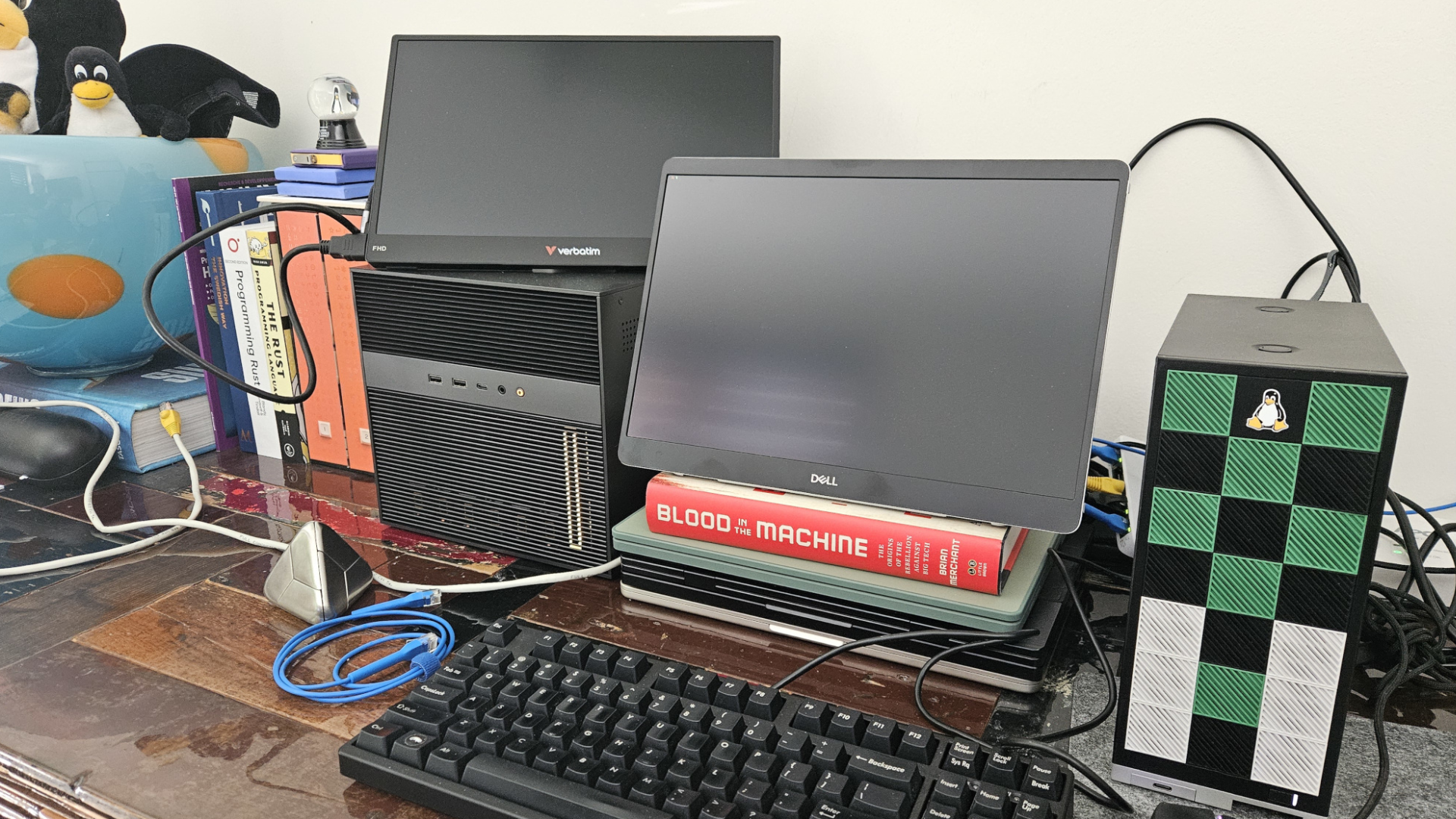
Everyone figured top-shelf AI like Qwen3.5 demanded a RTX 4090 or a AWS bill that’d make your eyes water. High-end rigs, cloud subscriptions, the whole nine yards. But here’s the twist—this lightweight setup flips the script, letting you run a capable agentic AI on an old laptop without selling a kidney.
Look, I’ve chased Silicon Valley hype for two decades. Remember when ‘cloud computing’ meant freedom, until the invoices hit? Same vibe here. Alibaba’s Qwen3.5 lands via Ollama, and suddenly your relic hardware gets a second life as a private AI coder. No subscriptions. No data leaks. Just you, your prompts, and code spitting out.
Wait, Does My Junk Drawer Laptop Cut It?
Short answer: yeah, if it’s got 4GB RAM free and isn’t running Windows 95. The 4B model sips just 3.5GB—perfect for that ThinkPad you’ve ignored since Obama was president.
But let’s not kid ourselves. This isn’t magic. Performance? It’ll chug on complex tasks, responses slower than a dial-up modem. Still, for tinkering, testing code, or building a quick Python game—it’s gold. And private. Your prompts stay local, no OpenAI peeking over your shoulder.
Running a top-performing AI model locally no longer requires a high-end workstation or expensive cloud setup. With lightweight tools and smaller open-source models, you can now turn even an older laptop into a practical local AI environment.
That’s straight from the guide that’s got everyone buzzing. Spot on, but cynical me wonders: who’s cashing in? Alibaba pushes Qwen to hook devs on their ecosystem, Ollama rides the open-source wave. Free tools, sure—but the real play is upstream, in the models and integrations.
Install Ollama first. Windows? Fire up PowerShell, paste irm https://ollama.com/install.ps1 | iex. Boom. Linux or Mac? Their site spells it out, no rocket science. Starts automatically most times. If not, ollama serve.
Then, snag Qwen3.5:4b. ollama run qwen3.5:4b. Downloads in minutes, loads up, chat interface ready. Test it: ask for a Python script. It’ll deliver—rough edges, but functional.
Why Ditch the Cloud for This Local Hack?
Cloud’s easy, right? ChatGPT, Claude—free tiers galore. But hand over your code, your ideas, and pray they don’t train on it. Local? Yours alone. No API keys expiring mid-project. No throttling when you’re deep in a coding binge.
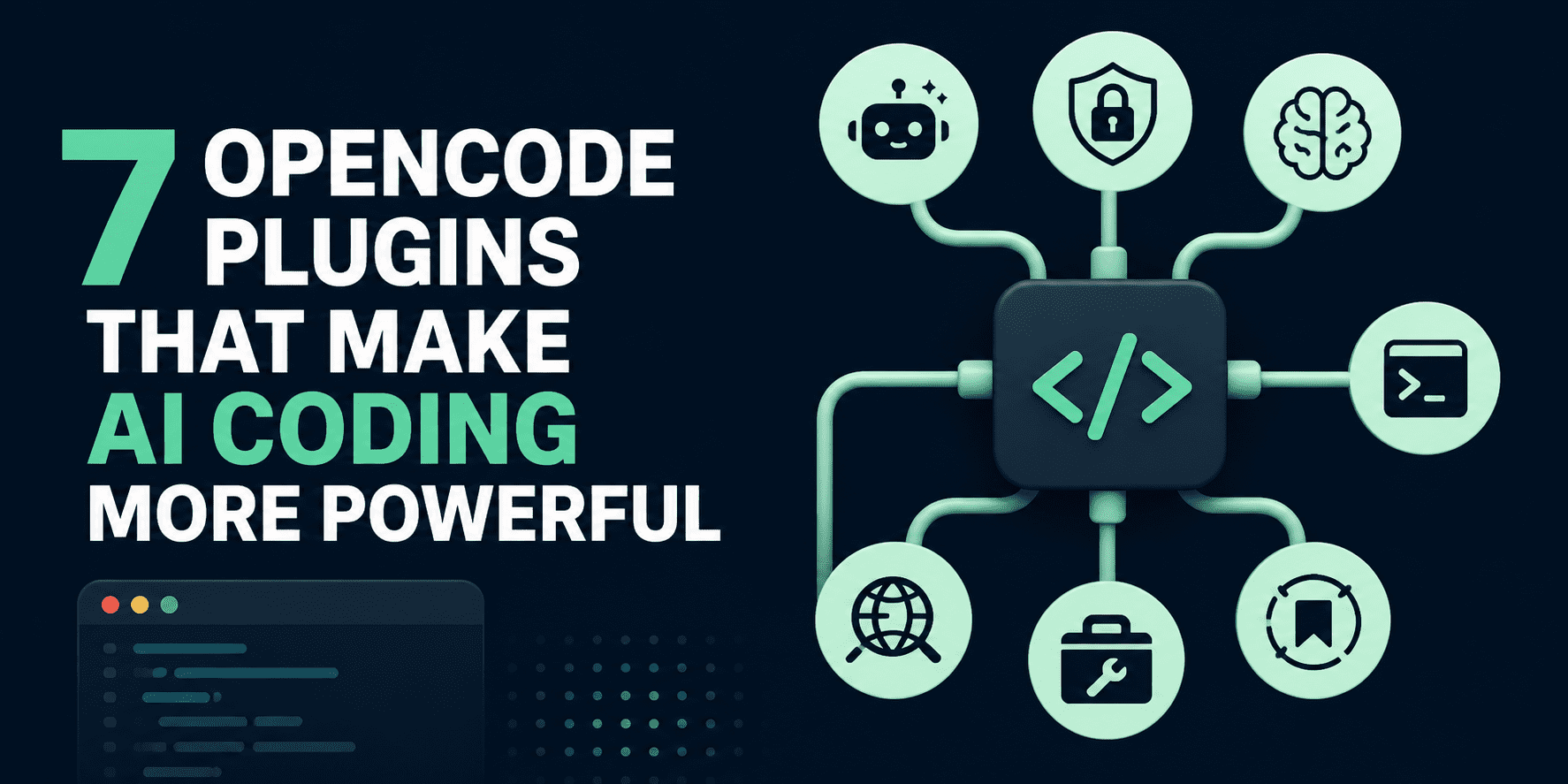
Plus, agentic workflows. That’s the buzz—AI that doesn’t just chat, but acts. Enter OpenCode. Curl that install: curl -fsSL https://opencode.ai/install | bash. Handles Node.js deps, no sweat. Then ollama launch opencode --model qwen3.5:4b. Interface pops, model connected.
We threw a prompt: ‘Create a new Python project and build a modern Guess the Word game with clean code, simple gameplay, score tracking, and an easy-to-use terminal interface.’ Minutes later—project structure, code, runnable game. Impressive for laptop guts.
My unique take? This echoes the Linux boom of the ’90s. Back then, we revived corporate trash-heaps into screaming servers with free software. Today, Qwen3.5 does it for AI. Old laptops become dev boxes again, sidestepping Big Tech’s rent-seeking. Prediction: by 2026, 40% of indie devs go local-first, starving cloud giants of hobbyist cash.
Skeptical? Fair. Qwen3.5 ain’t GPT-4o. Hallucinations happen, context window’s tight. But for experimentation—prototyping that side hustle app, debugging without Stack Overflow—it’s a steal. And cheap: zero ongoing costs.
Troubleshooting bites? Ollama logs spill the beans. RAM tight? Kill Chrome tabs. Model too pokey? Try even smaller variants, but 4B’s sweet spot.
Scale it up. Chain with tools—file edits, git commits. OpenCode hints at more, but keep expectations grounded. This setup’s for mortals, not moonshots.
The Money Trail: Who’s Really Winning?
Alibaba? They’re open-sourcing Qwen to dominate open models, undercutting Western labs. Ollama? VC-backed, building the local AI layer—future upsell city. You? Privacy and no bills. Win.
But hype check: ‘Agentic AI’ sounds sexy, delivers meh on old iron. Still, democratizes tinkering. I’ve seen devs waste thousands on GPUs; this nixes that.
One punchy caveat. Battery life? It’ll drain like a vampire. Plug in.
Tweak prompts for better output. Be specific: ‘Use pygame, add high scores to JSON.’ Less fluff, more action.
🧬 Related Insights
- Read more: Robotics Levels of Autonomy: The Roadmap from Factory Drudge to Job-Snatching Shapeshifter
- Read more: LangGraph vs Semantic Kernel: The Hidden Fork Shaping AI Agent Empires
Frequently Asked Questions
How do I run Qwen3.5 on an old laptop?
Install Ollama, run ollama run qwen3.5:4b, add OpenCode via curl install, launch with ollama launch opencode --model qwen3.5:4b. Needs 4GB RAM free.
Is Qwen3.5 good enough for coding on low-end hardware?
Solid for simple projects, games, scripts. Slower than cloud, but private and free. Expect 5-10s per response.
What are alternatives to Ollama for local Qwen?
LM Studio or Jan.ai work, but Ollama’s agent integrations shine here.