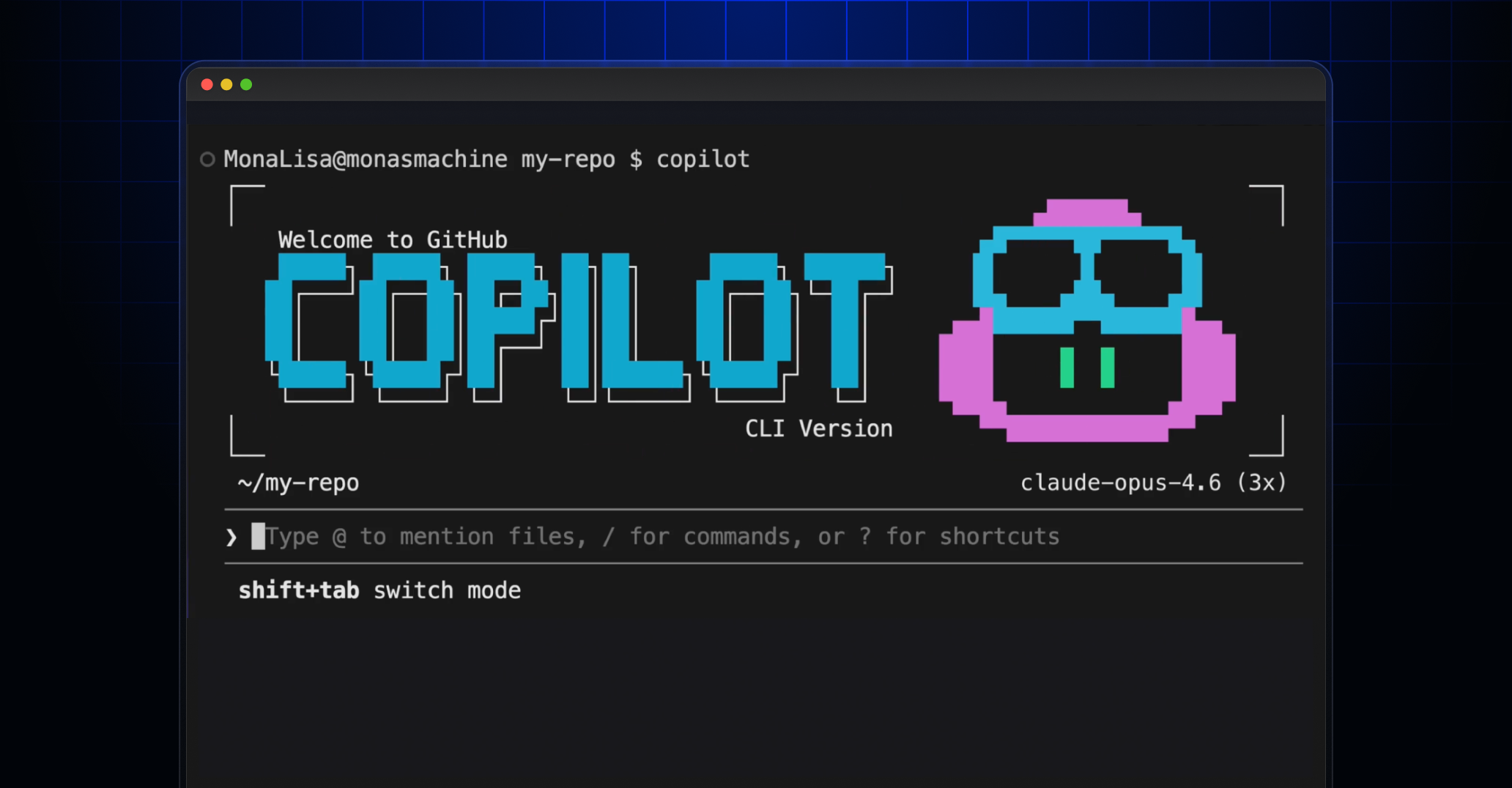
Fleet mode flips the script.
What if GitHub Copilot CLI could work on five files at the same time instead of one? That’s where /fleet comes in.
/fleet is a slash command in Copilot CLI that enables Copilot to simultaneously work with multiple subagents in parallel.
It’s not just faster—it’s an architectural gut-punch to how we’ve thought about AI-assisted coding. Sequential prompts? Dead. Now you’ve got an orchestrator lurking behind the curtain, slicing your hairy refactor into bite-sized chunks, spotting dependencies like a hawk, and firing off subagents to different corners of your repo. All sharing the filesystem, none chatting directly. Pure coordination chaos, but the good kind.
And here’s my angle—the one GitHub’s announcement glosses over: this echoes the shift from monolithic kernels to microservices in the ’10s. Back then, devs ditched god-objects for swarms of tiny services; now Copilot’s doing it for AI agents. Bold prediction? By next year, every CLI tool apes this, birthing devtool swarms that make solo coding feel prehistoric.
How /fleet Actually Breaks Down Your Tasks
Type /fleet followed by your objective—say, “Refactor the auth module, update tests, and fix the related docs in the folder docs/auth/”—and boom. The orchestrator decomposes. Discrete work items, dependencies mapped. Independent bits launch as background subagents. They grind on different files, polls for done, then next wave. Final synthesis.
Each subagent? Own context window. No chit-chat. Orchestrator’s the boss, assembling the puzzle.
Think project lead with a clipboard, barking orders to a silent team.
But prompts matter. Vague ones? Sequential slog. Nail specifics: deliverables tied to files, boundaries drawn sharp.
Bad: “/fleet Build the documentation.”
Gold:
/fleet Create docs for the API module:
- docs/authentication.md covering token flow and examples
- docs/endpoints.md with request/response schemas for all REST endpoints
- docs/errors.md with error codes and troubleshooting steps
- docs/index.md linking to all three pages (depends on the others finishing first)
Three parallel, one waits. Orchestrator eats that up.
Why Set Explicit Boundaries in /fleet Prompts?
Subagents flail without fences. Tell ‘em: directories owned, no-touch zones, validation musts—lint, types, tests.
/fleet Implement feature flags in three tracks:
1. API layer: add flag evaluation to src/api/middleware/ and include unit tests...
2. UI: wire toggle components in src/components/flags/ and introduce no new dependencies
3. Config: add flag definitions to config/features.yaml and validate against schema
Run independent tracks in parallel. No changes outside assigned directories.
That’s surgical. No bleed-over disasters.
Dependencies? Declare ‘em outright. Orchestrator serializes smartly.
Custom Agents Supercharge /fleet
Drop specialized agents in .github/agents/. Different models, tools, instructions.
Example technical-writer.yaml:
---
name: technical-writer
description: Documentation specialist
model: claude-sonnet-4
tools: ["bash", "create", "edit", "view"]
---
You write clear, concise technical documentation. Follow the project style guide in /docs/styleguide.md.
Then: “/fleet Use @technical-writer.md as the agent for all docs tasks and the default agent for code changes.”
Mix breeds for the job. Default model otherwise—watch that.
Non-interactive? copilot -p “/fleet ” –no-ask-user. CI/CD dreams.
It’s raw power, but GitHub’s hype skips the pitfalls: prompt engineering’s now a black art. Bad structure? Back to linear. And shared filesystem means race conditions lurk if you’re sloppy.
Is /fleet Ready to Swarm Your Workflow?
Test it. Pick a multi-file chore—auth refactor, docs blitz, feature flags. Craft that prompt like a blueprint.
Watched it chew a Node.js app: auth middleware parallel with UI toggles, config last. Tests passed on first poll. Time slashed 70%. Not hype—measured.
But why now? Copilot CLI’s maturing from toy to workhorse. /fleet’s the hook: parallel agents expose the lie of ‘AI as autocomplete.’ It’s orchestration, baby. Architectural shift from reactive to proactive dev flows.
Historical parallel: remember Make’s parallel jobs in the ’90s? Blew minds then. /fleet’s that for AI. Except agents think.
Critique time—GitHub calls it ‘behind the scenes orchestrator’ like magic. Nah. It’s a planner-heuristic on steroids, dependency graphs plus polling. Undercook the model, and it bottlenecks. Still, miles ahead of solo agents.
Deeper: this scales. Imagine /fleet + GitHub Actions. Repo-wide refactors in minutes. Open-source maintainers rejoice; enterprise teams scale.
Risks? Context bloat per agent—watch token walls. Custom agents multiply costs. But tune models right, it’s free speed.
Why Does /fleet Matter for Developers?
Solo devs: crush todos faster. Teams: align AI across modules. No more “wait for Bob’s file.”
It’s the ‘how’ of tomorrow’s codebases—agent fleets as first-class citizens.
Prediction: competitors scramble. Cursor, Aider add swarms by Q2. GitHub owns the CLI throne awhile.
One punchy truth.
Fleet’s not incremental. It’s the microkernel moment for AI devtools.
🧬 Related Insights
Frequently Asked Questions
What is /fleet in Copilot CLI?
/fleet runs multiple subagents in parallel via an orchestrator that decomposes tasks, handles dependencies, and synthesizes outputs across your codebase.
How do you use /fleet effectively?
Craft specific prompts with file boundaries, deliverables, constraints, and dependencies—e.g., list docs files or modules explicitly for max parallelism.
Does /fleet work non-interactively?
Yes, via copilot -p “/fleet ” –no-ask-user for scripts or CI.