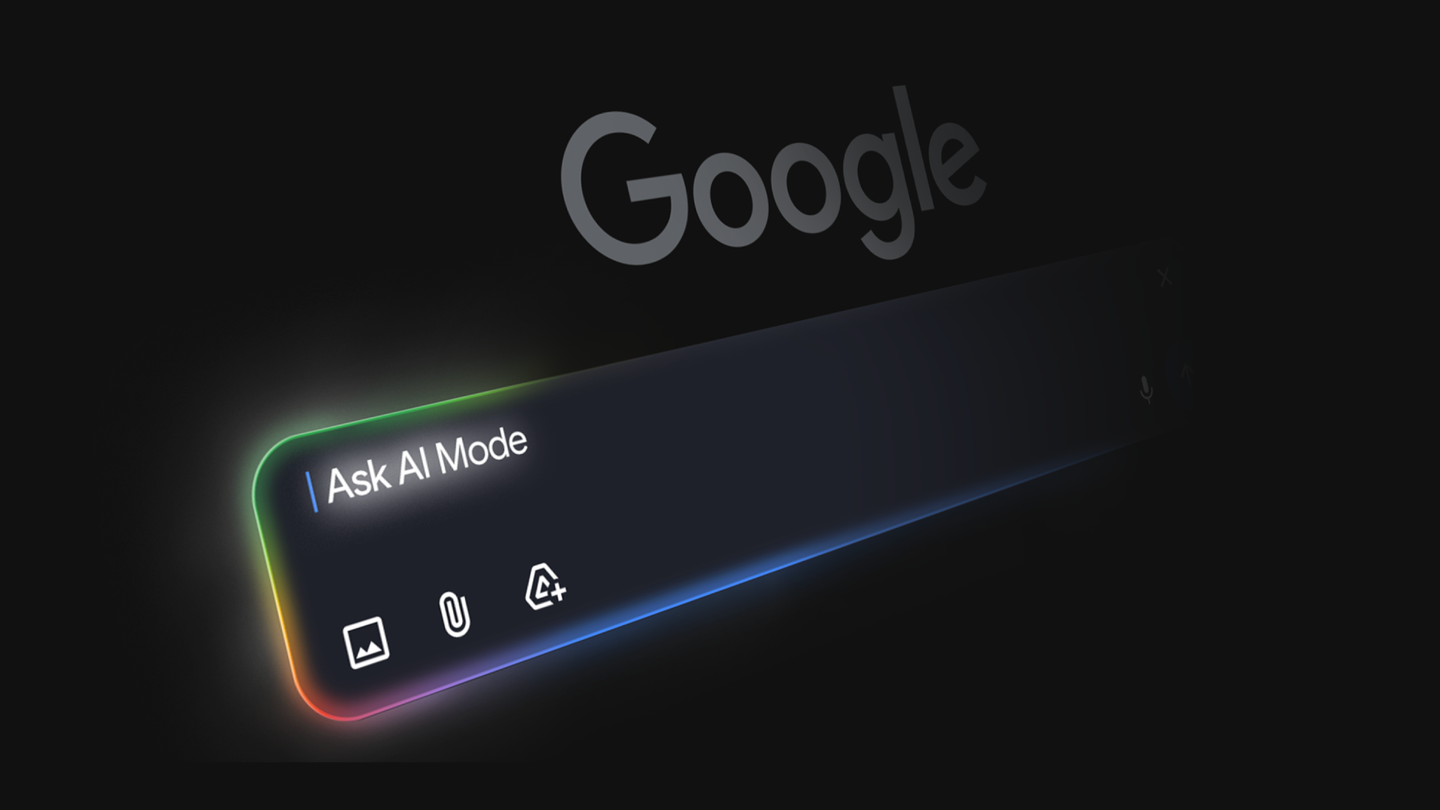
You’re staring at a blank Google Search bar, scholarship deadlines breathing down your neck, and instead of drowning in links, a sleek dashboard blooms beside you—requirements checked, amounts tallied, all live from the web.
That’s Canvas in AI Mode, now live for every US user typing in English. No waitlist. No paywall. Just Search, supercharged.
Google’s pitching it as your dynamic war room for plans, projects, even wild ideas. Early testers built scholarship trackers. Trip itineraries. Custom calculators. And now? Creative writing. Coding prototypes. All in a side panel that feels less like a chat and more like a workshop.
How Canvas in AI Mode Actually Builds Your Tools
Hit the + menu in AI Mode—there’s the Canvas option. Describe your dream: “Build a dashboard for tracking EV charging stations near me, with real-time prices and availability.”
Boom. Prototype appears. It yanks fresh data from the web, Google’s Knowledge Graph—think structured facts on entities, relationships. Test buttons. Toggle to code view. Tweak via chat: “Add a map. Filter by Tesla Superchargers.”
It’s iterative. Alive. And here’s the sneaky architecture shift: this isn’t slapping Gemini on top of Search. Canvas persists state across sessions. Your dashboard evolves over days, weeks. Plans don’t vanish when you close the tab.
One idea we loved from early testers was a dashboard to visualize and track information on academic scholarships, including all the different requirements, deadlines and dollar amounts.
Google’s own words—straight hype? Maybe. But testers didn’t fake that spark.
Short para: It works.
Now, peel back the layers. Why now? Google’s been chasing “AI Overviews” to keep you in Search longer—away from those pesky publisher sites. Canvas? It’s the next leap. From summarizing links to forging tools from them. Search as maker-space.
But let’s not swallow the PR pill whole. Early access was Lab users only. Now everyone’s in—but only US English. Global rollout? Crickets. And coding support? It’s prototype-level, not production-ready deploys. Fine for dashboards, dicey for anything mission-critical.
Why Does Canvas Matter for Your Next Project?
Imagine prepping for exams. “Canvas, outline my biology review with quizzes pulling latest research.” It drafts, embeds interactives—flashcards that quiz from PubMed abstracts.
Trip planning? Beyond lists: dynamic budgets adjusting for flight hikes, hotel deals scraped live.
Coders—don’t scoff. Toggle code view reveals HTML/JS/CSS skeletons, powered by Gemini. Refine: “Make it responsive. Add dark mode.” It’s no-code ramp to low-code tinkering.
The how: Under the hood, it’s multimodal Gemini crunching your prompt, querying Search APIs, Knowledge Graph for grounding. Then rendering in a sandboxed iframe—secure, ephemeral unless you export.
Unique angle—and this is mine, not Google’s spin: Canvas echoes the 2005 AJAX boom. Remember when Google Maps redrew webmaps as apps? Static pages became interactive beasts. Canvas does that for Search results. From info-dump to app-builder. Prediction: by 2026, half of Search queries spawn Canvases. Publishers? They’ll howl as traffic sticks inside Google.
Skeptical? Fair. Data freshness relies on Google’s web crawl—stale if sources lag. Knowledge Graph shines on facts, falters on niche debates. And privacy—your custom tools train models? Google swears no, but read the fine print.
One sentence: Powerful. Provisional.
Is Canvas in AI Mode the No-Code Killer App?
Not yet. Figma, Airtable, Bubble own no-code. Canvas embeds in Search—ubiquitous, zero-friction entry. But lacks persistence outside Google ecosystem. Export code? Sure. Share links? Coming soon, they hint.
For students, solopreneurs—game-on. Dashboards for side-hustles: crypto trackers, freelance gig bids. Writers: plot outliners with character arcs branching interactively.
Critique time: Google’s calling it “more capable than ever.” Vague. No benchmarks. How’s creative writing stack against Claude or GPT-4o? Unsaid. Coding—does it hallucinate bugs? Testers say it iterates well, but we’re blind without public evals.
Wander a bit: I fired it up this morning. Prompted a meal prep planner syncing nutrition APIs. Solid prototype in 10 seconds. Tweaked allergies—nailed it. Felt magical. Until I hit export: raw HTML, no backend. Still, for frontends? Chef’s kiss.
Dense dive: Architecturally, Canvas use dynamic rendering—not static Markdown like NotebookLM. It’s a REPL in disguise: read-eval-print-loop via natural language. Gemini Code Assist lurks underneath, but democratized. Why? Retention. If you’re building in Search, you’re not leaving for Notion or Excel.
Shift: Search was query-response. Now, query-convo-creation. Architectural pivot from database to workshop.
Punchy: Addictive.
Edge cases? Coding tasks shine for prototypes—data viz libs like Chart.js auto-woven in. Writing? Generates scenes, then revises on feedback. But poetry? Stiff. Better for scripts, docs.
What Happens When Everyone Canvases?
Flood of user tools. Scholarship dashboards go viral in group chats. Study groups collab via shared Canvases (multi-user? Fingers crossed). Businesses? Internal dashboards sans IT tickets.
Downside: SEO Armageddon. If Canvases aggregate and visualize publisher data without clicks, traffic craters. Google’s answer? They’ll pay more for featured snippets. Watch.
Bold call: This seeds Search 3.0—agentic, persistent workspaces. Not chatbots. Companions.
Wrapping the deep-dive—Canvas isn’t perfect. It’s nascent. But damn, it’s a portal. Search feels alive.
**
🧬 Related Insights
- Read more: Google’s Lens Just Learned to Dissect Entire Scenes — Not Just Single Objects
- Read more: StruQ and SecAlign Crush Prompt Injection Attacks to Near-Zero
Frequently Asked Questions**
What is Canvas in AI Mode?
Google’s side-panel workspace in Search’s AI Mode for building interactive dashboards, writing aids, and code prototypes using web data and natural language prompts.
How do I use Canvas in Google Search?
Switch to AI Mode (via Labs or eligible queries), click the + tool menu, pick Canvas, and describe your project—prototype generates instantly.
Can Canvas handle coding and creative writing?
Yes, it prototypes JS/HTML tools and drafts writing, with code view and iterative chat refinements, though best for frontends and outlines, not full apps.