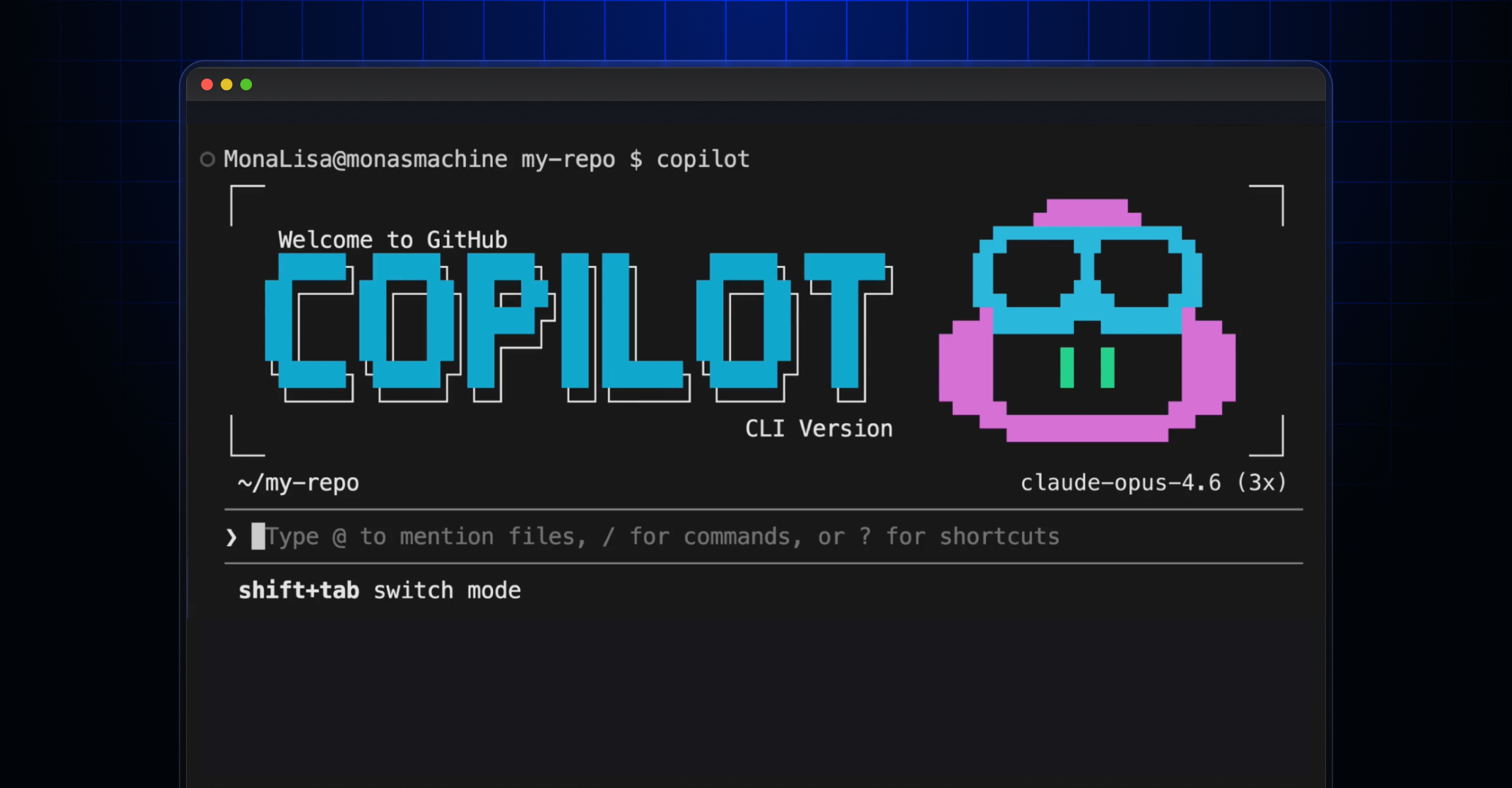
55% faster coding with GitHub Copilot alone. Now multiply that.
/fleet in Copilot CLI doesn’t just assist—it deploys a squad.
Imagine your codebase as a bustling city under siege by deadlines. One AI agent? That’s a lone ranger, picking off tasks one by one. But /fleet? It’s summoning an entire task force, subagents fanning out across files, hammering refactors, tests, docs in parallel. GitHub’s Program Manager Director spills it: this slash command turns sequential slog into symphonic speed.
/fleet is a slash command in Copilot CLI that enables Copilot to simultaneously work with multiple subagents in parallel. Instead of working through tasks sequentially, Copilot now has a behind the scenes orchestrator that plans and breaks your objective into independent work items and dispatches multiple agents to execute them simultaneously.
Here’s the electric part. You’re not watching paint dry. That orchestrator — sneaky genius — decomposes your goal, spots parallels, dispatches waves of agents. They share the filesystem, can’t chit-chat directly (no agent drama), but the boss polls progress, verifies, synthesizes. Boom. Final artifacts land polished.
Like a project lead herding a dev team through a sprint retrospective, minus the coffee runs.
Why /fleet Feels Like Code’s Assembly Line Revolution
Henry Ford flipped car manufacturing with parallel workers on the line. /fleet does that for software. Back then, one craftsman built a whole Model T — slow, artisanal. Factories? Explosive scale. Today, solo devs (that’s most of us) grind sequentially. /fleet’s my bold call: it’s software’s Ford moment. Predict this — within two years, indie hackers ship enterprise-scale apps alone, fleets orchestrating the heavy lift. GitHub’s not hyping; they’re handing us the future.
But. Don’t sleep on the prompts. Vague ones? Back to sequential. Specifics unlock the swarm.
Short example. Bad: “/fleet Build the documentation.” Yawn. Agents scratch heads, line up single-file.
Great: “/fleet Create docs for the API module: - docs/authentication.md covering token flow and examples - docs/endpoints.md with request/response schemas for all REST endpoints - docs/errors.md with error codes and troubleshooting steps - docs/index.md linking to all three (depends on others).”
Three parallel, one waits. Magic.
How Do You Actually Fire Up /fleet in Copilot CLI?
Easy as typing. In your terminal, Copilot CLI humming:
/fleet Refactor the auth module, update tests, and fix the related docs in the folder docs/auth/
Or non-interactive for scripts: copilot -p “/fleet ” –no-ask-user. No prompts to answer — pure fire-and-forget.
Boundaries seal the deal. Tell agents: stick to src/api/middleware/, no deps, pass lint/tests. Like: “/fleet Implement feature flags in three tracks: 1. API layer… 2. UI… 3. Config… Run independent tracks parallel. No changes outside.”
Dependencies? Declare ‘em. Orchestrator serializes smartly.
Prompts That Make /fleet Sing — Or Flop
It’s all in the structure. Map to artifacts: files, tests, sections. Vague = fail. Concrete = parallel paradise.
And custom agents? Game-elevater. Drop .github/agents/technical-writer.md:
---
name: technical-writer
description: Documentation specialist
model: claude-sonnet-4
tools: ["bash", "create", "edit", "view"]
---
You write clear, concise technical documentation. Follow the project style guide.
Then: “/fleet Use @technical-writer.md for docs, default for code.”
Specialists per job. Doc wizard here, code ninja there. Shared model unless specified — flex.
Subagents can’t talk? Smart. Orchestrator’s the brain. No chaos.
One caveat — and it’s GitHub’s PR gloss they skip: early days, complex graphs might trip. But for 80% of refactors? Chef’s kiss.
Will /fleet Make You an Army of One?
Yes. But here’s my unique spin: this isn’t just productivity porn. It’s the platform shift. AI agents as atoms, /fleet the molecule builder. We’re not augmenting devs; we’re evolving them into conductors. Picture open-source repos exploding — one maintainer, fleet handling PRs, tests, docs. Skeptics whine ‘hallucinations!’ Fine. But parallel verification crushes that. Watch adoption spike.
Test it. Your next refactor? Fleet it.
Energy’s building. Codebases won’t know what hit ‘em.
🧬 Related Insights
- Read more: What to Watch This Week: Supply Chain Reckoning, AI Hardware Alarms, and Agent Audits
- Read more: Noir’s BB Prover Delivers 29ms Proofs—But Can It Conquer EVM Gas Wars?
Frequently Asked Questions
What is /fleet in Copilot CLI?
/fleet lets GitHub Copilot CLI run multiple AI subagents in parallel on your codebase, orchestrated to break tasks into independent items across files.
How do I use /fleet command effectively?
Craft specific prompts with deliverables, boundaries, dependencies — like listing files/tests/docs — then run /fleet or non-interactively with –no-ask-user.
Does /fleet replace human developers?
No, it supercharges them — handles parallel grunt work so you orchestrate high-level strategy, like a dev team lead.
