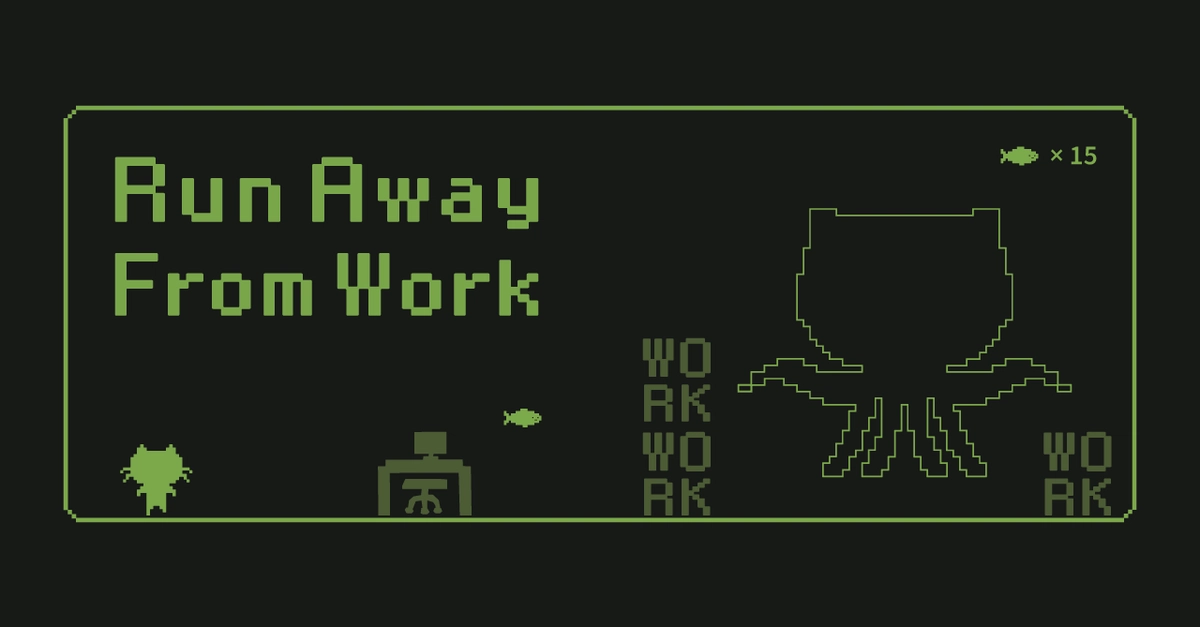
You’re knee-deep in a deadline, sneaking peeks at a browser game you hacked together in React. Zombies barreling at you, heart racing—pure escape. But wait: sprites bounce like they’re on trampolines, your phone turns sluggish while desktop flies. Frustrating, right? That’s the sneaky reality of building a browser game with React. One frontend engineer, @nyaomaru, just spilled the beans on the pitfalls that nearly derailed his ‘Run Away From Work’ zombie dodger. And fixing them? Game-changer for anyone dreaming of web-based fun.
Look, browsers aren’t arcades. They’re finicky beasts. But armed with these tweaks, your side-project could hook colleagues (or go viral). Let’s unpack the chaos.
Why Do SVGs Make Your React Sprites Jump Around?
SVGs. Beautiful, scalable. Right?
Wrong—when animated in React, they betray you with invisible padding. Frames that look identical shift positions mid-swap. Player’s run cycle? Bouncy mess. Boss idle to attack? Jarring leap.
@nyaomaru thought: swap same-sized SVGs, done. Nope. viewBox quirks and whitespace turned his hero into a pogo stick.
The fix? Lock the outer container rigid, swap insides only. Align to bottom center with object-fit: contain; object-position: center bottom;. No more bounce.
Treat SVGs not as visuals, but as boxes that include invisible padding. 📦 If you underestimate that, it will absolutely come back to bite you later.
Boom. Sprites glide. It’s like giving your characters roller skates instead of clown shoes.
And here’s my take—the original misses this: it’s the same ghost that haunted Flash animators in 2005. Back then, we cursed Adobe. Today? React hands us the tools to banish it forever. Web games, reborn.
Short para: Smooth.
How to Stop Your Game Speed from Betraying Mobile Players
requestAnimationFrame. Sounds perfect—sync to screen refresh, silky motion.
Ha. Desktops purr at 60fps. Mobiles? Chug at 30, obstacles crawl. Same code, wildly different dodges. Difficulty? Device lottery.
Switch to time-based magic: deltaTime. Milliseconds since last frame. Multiply speed by (deltaTime / 1000). Obstacles charge consistently, FPS be damned.
But wait—tweak per device. Mobile slower baseline, desktops paced for big screens. Feel preserved, fairness locked in.
Game logic should be designed around time, not frames. 🕛 Browser games may look simple, but if you ignore device differences, the overall quality drops fast.
This isn’t just a fix; it’s future-proofing. Imagine WebGPU era—billions on phones. Time-based wins the marathon.
Weave this in: desktops flex muscles, mobiles sip battery. DeltaTime levels the arena. Your zombie horde? Relentless everywhere.
One sentence. Fixed.
When AI Fails Your CSS Animations, Roll Your Own
Needed: runtime position, variable duration, fixed curve. AI tools like codex? Crumbled. Dynamic values fried their brains.
Inline styles? Messy overload. Solution: CSS Modules for keyframes, JS injects vars only. Clean split—render pure, visuals punchy.
Subtle pain, huge payoff. Effects pop without code spaghetti.
Will AI Ever Nail Dynamic Game Animations?
Short answer: not yet. But hybrid rules—AI sketches, human polishes. @nyaomaru’s saga predicts it: tools evolve, but dev intuition reigns.
Bold call I see missing: by 2026, React’s signals (or whatever Vercel cooks) auto-wrap these gotchas. Browser games? Next Fortnite snackable.
Collision detection? Visuals lied—hitboxes oversized. Trim ‘em surgically. Trivial now, vital for tension.
Why Does This Matter for Browser Game Devs in 2024?
React’s king of UIs. Games? Untapped goldmine. Endless runner like this—therapy, portfolio flex, even monetize.
Pitfalls crushed dreams before. Now? Stack: Remix for routing, TS for sanity, FSD architecture. Playable masterpiece.
Energy here: web’s canvas expands. No installs. Pure browser bliss. Zombies await—your move.
Wander a sec: remember Flappy Bird? Mobile rage-quit heaven. React version, cross-device? Infinite replay.
🧬 Related Insights
- Read more: Microservices Screw You If You’re Not a Multi-Team Shop
- Read more: Claude Code’s Dirty Secret: .claudeignore Stops the Node_Modules Madness
Frequently Asked Questions
How do you fix SVG jumping in React browser games?
Fixed container, object-fit: contain, object-position: center bottom. Treat SVGs as padded boxes.
What’s the best way to make browser game speed consistent across devices?
Use deltaTime for time-based movement: speed * (deltaTime / 1000). Tweak constants per screen size.
Can AI generate perfect CSS animations for games?
Not for dynamics yet—handle runtime vars in JS, fixed keys in CSS Modules.
